

Miro : Collaborative Whiteboard Tool for Seamless Teamwork
Miro: in summary
Miro is a cloud-based visual collaboration platform designed to support distributed teams in brainstorming, planning, and managing projects. It is particularly well-suited for product managers, designers, Agile teams, and consultants working in mid-sized to large organisations.
Miro’s infinite canvas, extensive template library, and robust integrations facilitate real-time and asynchronous collaboration, enabling teams to visualise complex workflows and accelerate decision-making.
What are the main features of Miro?
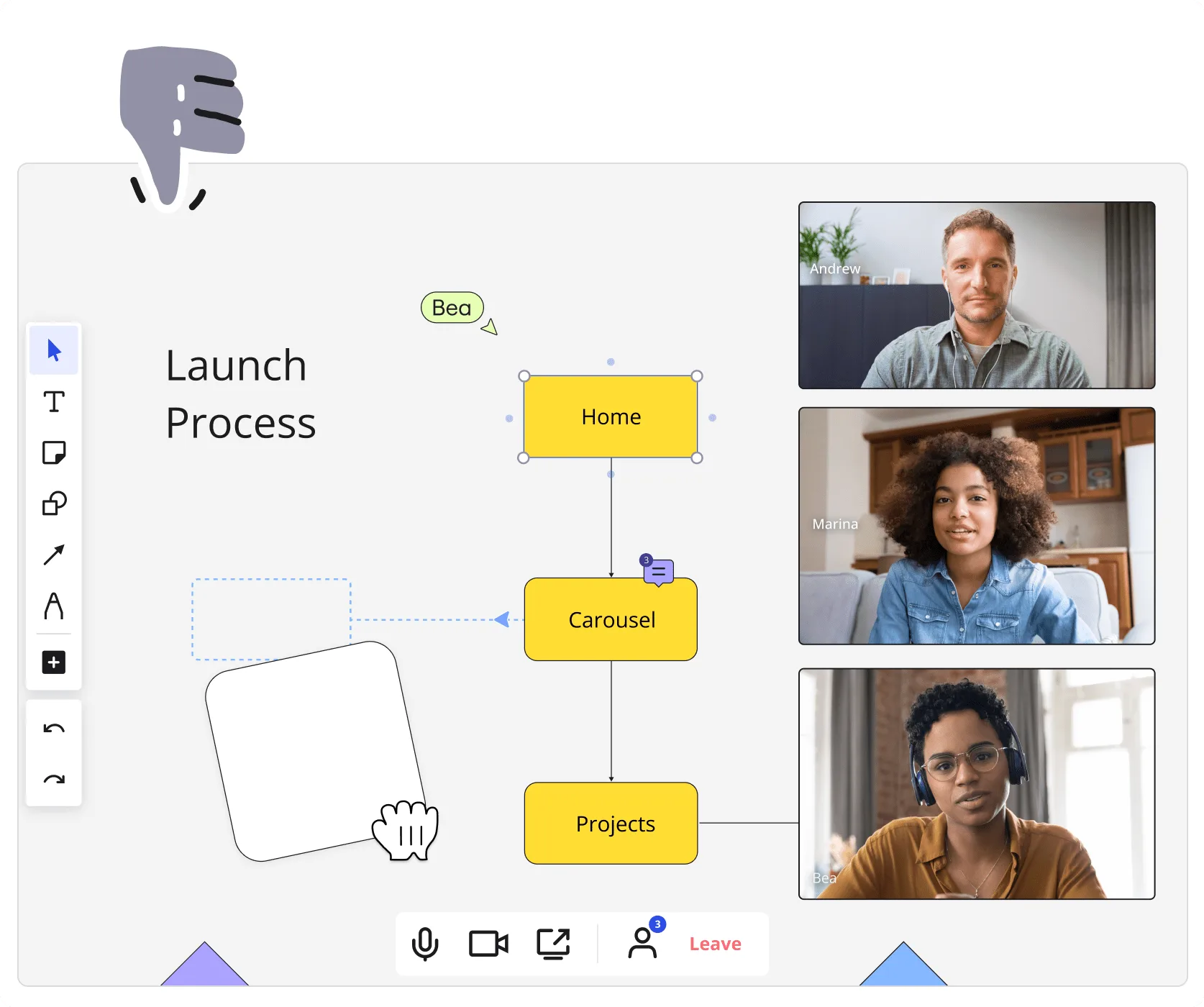
Visual Collaboration on an Infinite Canvas
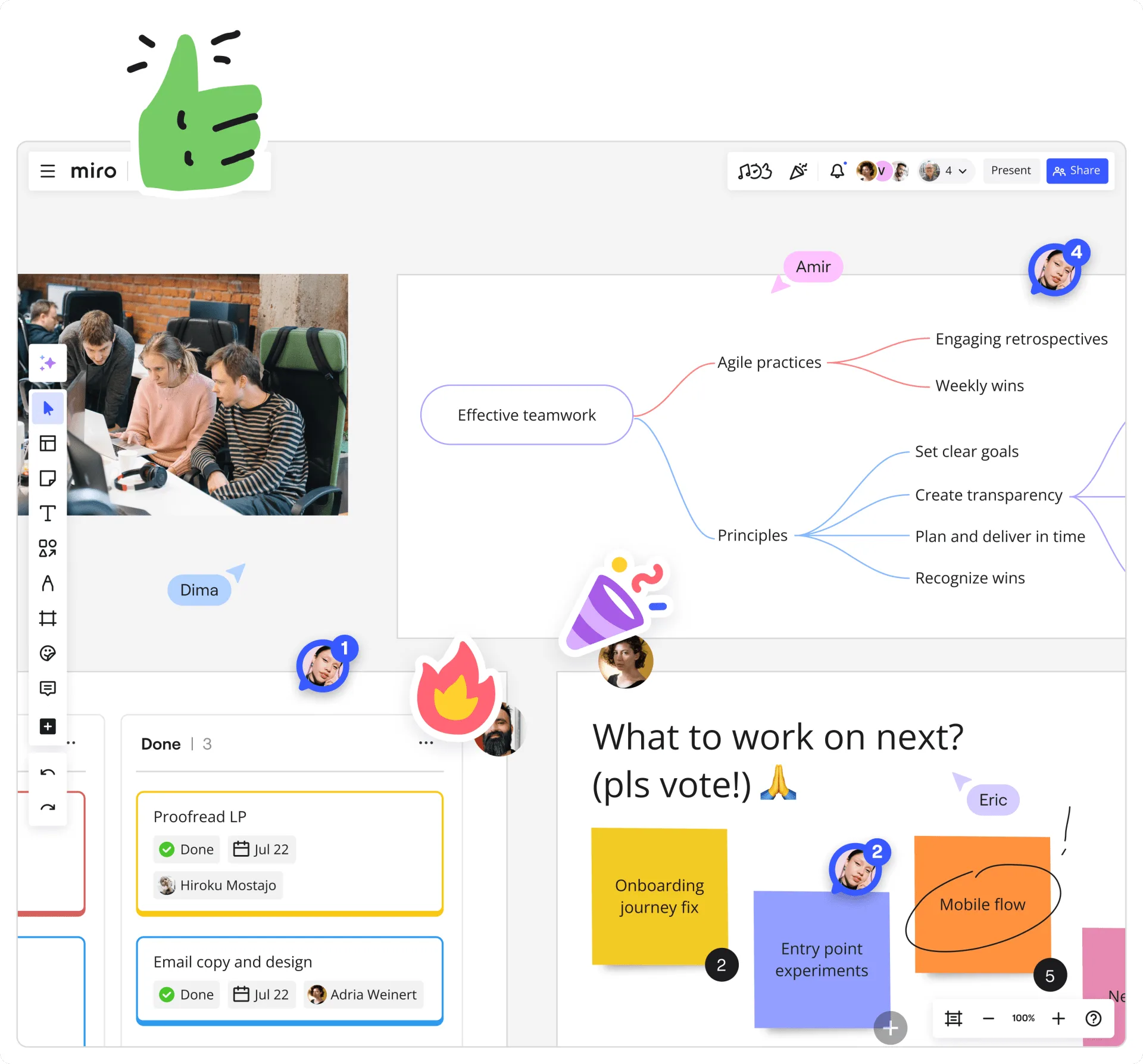
Miro provides an expansive, flexible workspace where teams can collaboratively develop ideas, workflows, and strategies. The infinite canvas allows for the creation of detailed diagrams, mind maps, and wireframes without spatial limitations.
- Drag-and-drop interface for adding shapes, text, and images
- Pre-built templates for various use cases, such as brainstorming and Agile ceremonies
- Real-time cursor tracking to observe team members’ activities
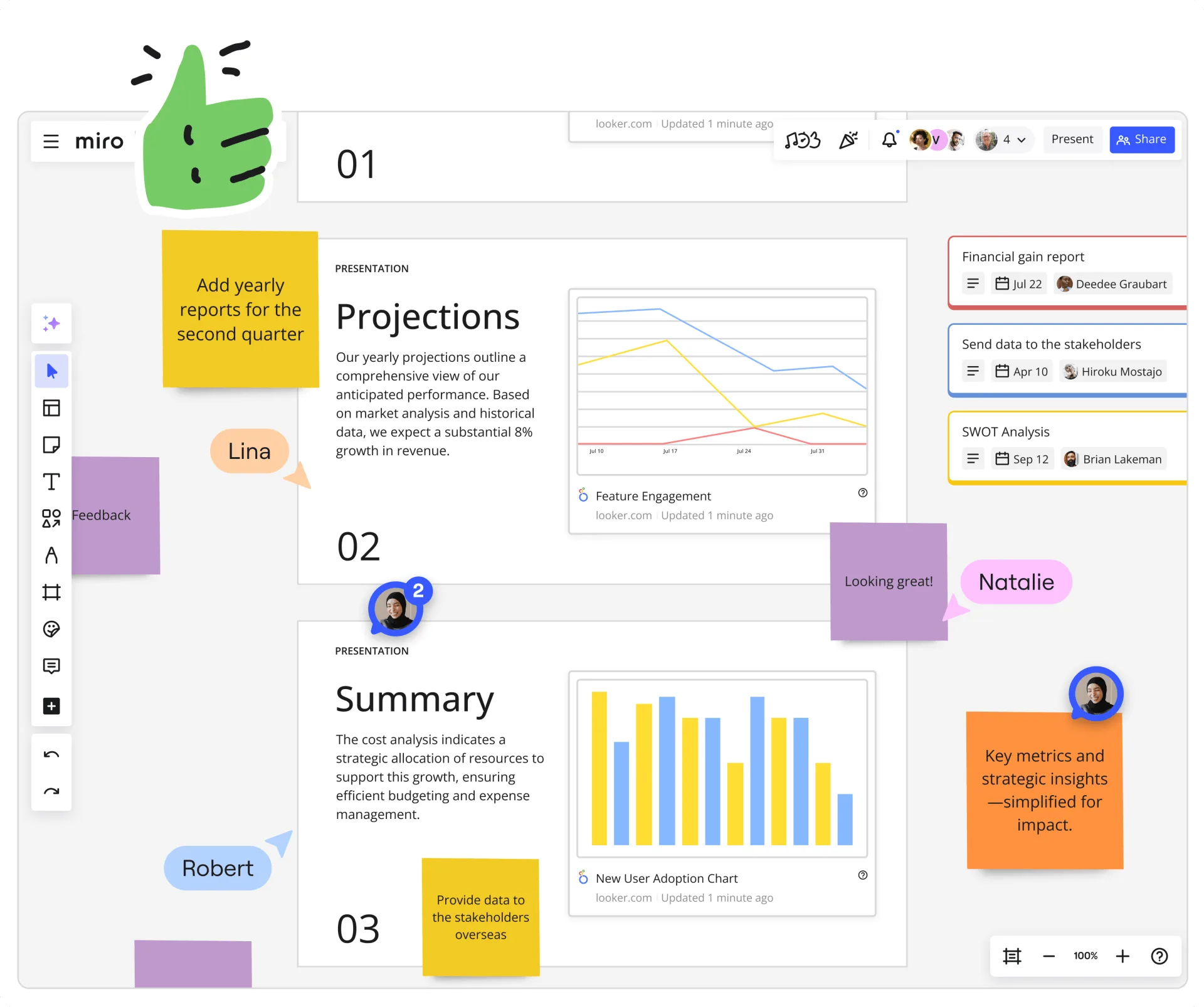
- Commenting and sticky notes for contextual feedback
For example, a product team can map out a user journey, annotate pain points, and link them to feature ideas, all within a single Miro board.
Agile Workflow Integration
Miro supports Agile methodologies by offering tools that facilitate sprint planning, retrospectives, and backlog management. The platform’s integration with project management tools like Jira and Azure DevOps enables seamless synchronisation of tasks and user stories.
- Kanban boards and Scrum templates
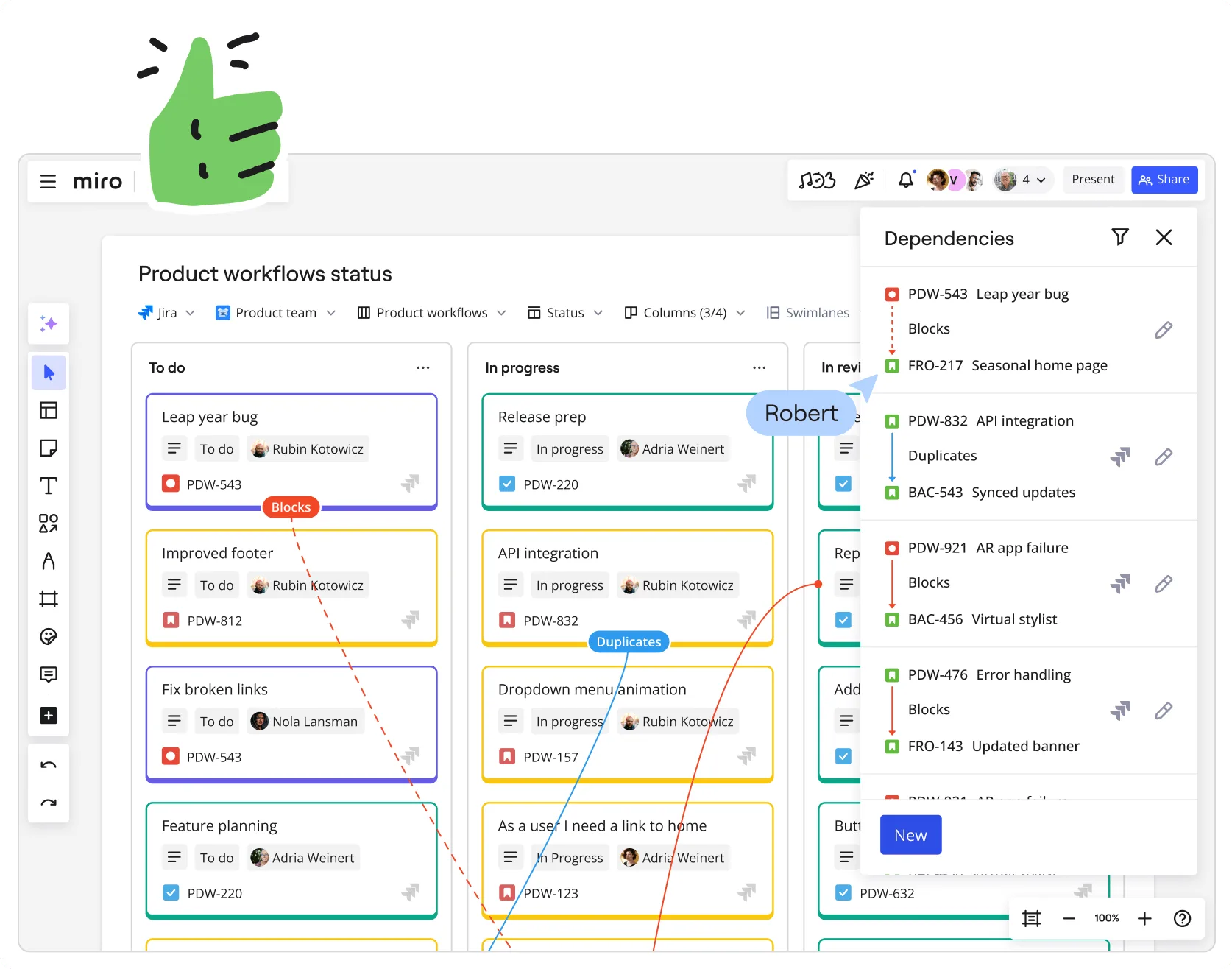
- Two-way synchronisation with Jira for real-time updates
- Dependency mapping to identify and manage task relationships
- Estimation tools for sprint planning
An Agile team can, for instance, conduct a sprint retrospective using a Miro template, document action items, and link them directly to their Jira backlog.
Extensive Integration Ecosystem
Miro’s integration capabilities allow teams to connect their existing tools and streamline workflows. With over 150 integrations, Miro ensures that teams can work within their preferred ecosystems.
- Project Management: Jira, Asana, ClickUp, Smartsheet
- Documentation: Google Drive, OneDrive, Dropbox, Confluence, Notion
- Communication: Microsoft Teams, Zoom
- Design: Adobe Creative Cloud, Figma
For example, a design team can embed Figma prototypes into a Miro board for collaborative review and feedback sessions.
AI-Powered Assistance
Miro Assist leverages artificial intelligence to enhance productivity and streamline workflows. The AI features help in generating content, summarising information, and automating repetitive tasks.
- Automatic diagram generation from text inputs
- Summarisation of meeting notes and discussions
- Content suggestions based on board context
A team can, for instance, input a list of requirements, and Miro Assist can generate a corresponding flowchart, saving time and ensuring consistency.
Why choose Miro?
- Versatile Collaboration Platform: Miro supports a wide range of collaborative activities, from brainstorming sessions to detailed project planning, accommodating various team needs.
- Robust Integration Capabilities: With extensive integrations, Miro fits seamlessly into existing workflows, reducing the need to switch between multiple tools.
- Scalable for Enterprise Use: Miro is designed to handle the complexities of large organisations, offering features that support scalability and cross-functional collaboration.
- User-Friendly Interface: The intuitive design ensures that team members can quickly adopt the platform, minimising the learning curve.
- Continuous Innovation: Regular updates and the incorporation of AI features demonstrate Miro’s commitment to evolving with user needs and technological advancements.
Screenshots
Miro: its rates
Standard
Rate
On demand
Customer reviews about Miro
Appvizer calculates this overall rating to make your search for the best software easier. We've based it on user-generated verified reviews on industry-leading websites.