

Google Slides : Dynamic Presentation Tool for Collaborative Creation

Google Slides: in summary
Google Slides is a powerful online presentation software designed for businesses, educators, and professionals who require real-time collaboration. Its seamless integration with other Google Workspace tools, robust collaboration features, and vast template library set it apart from traditional presentation software.
What are the main features of Google Slides?
Real-Time Collaboration
Google Slides offers unparalleled real-time collaboration capabilities, making it easy for teams and partners to work together on presentations simultaneously.
- Multiple users can edit documents simultaneously without conflicts.
- Integrated chat and comment functionality to facilitate communication.
- Automatic saving and version history make tracking changes effortless.
Seamless Google Workspace Integration
Designed to work within the Google Workspace ecosystem, Google Slides enhances productivity through seamless file integration and access to other tools.
- Easily embed content from Google Sheets, Google Docs, and Google Drive.
- Access presentations from any device with cloud storage.
- Direct sharing capabilities with existing Google contacts.
Vast Template and Theme Library
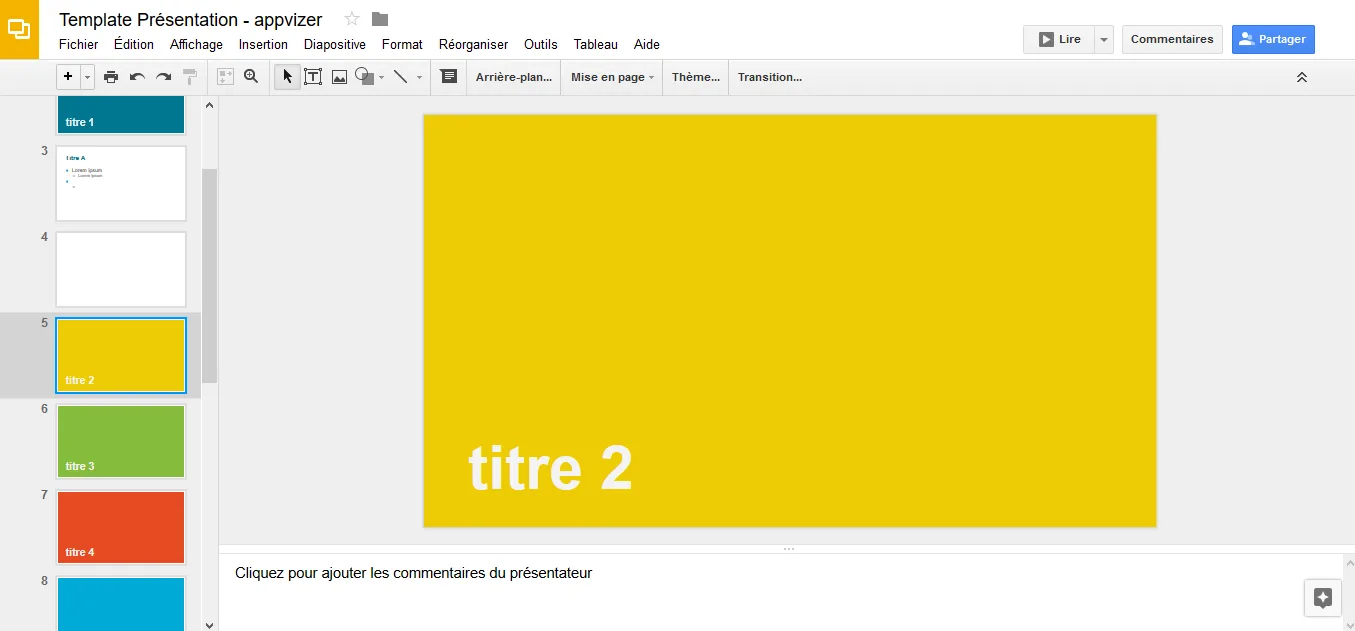
With a wide selection of customisable templates and themes, Google Slides allows users to quickly create visually appealing presentations.
- Numerous design templates to jumpstart the presentation process.
- Custom theme creation for consistent branding.
- Drag-and-drop interface for easy layout adjustments.
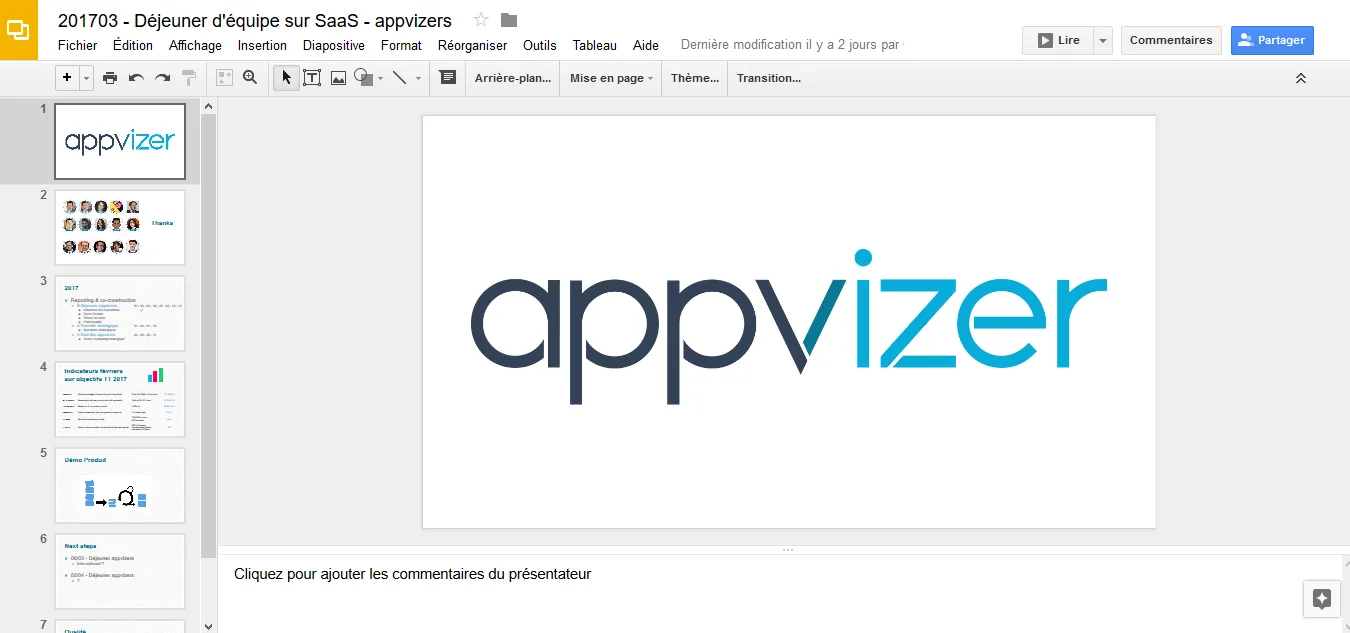
Screenshots
Google Slides: its rates
Standard
Free
Customer reviews about Google Slides
Appvizer calculates this overall rating to make your search for the best software easier. We've based it on user-generated verified reviews on industry-leading websites.