

Outlook : Efficient Email Management and Organisation Tool
Outlook: in summary
Outlook is a versatile email and calendar software ideal for professionals and businesses. Its powerful features like seamless email integration, calendar scheduling, and task management make it an essential tool for productivity. Standout capabilities include focused inbox, calendar sharing, and integration with Microsoft Office suite.
What are the main features of Outlook?
Focused Inbox for Enhanced Email Management
With Outlook’s Focused Inbox, you can effortlessly manage your emails by categorising important ones separately. This feature prioritises emails that matter most, reducing clutter and enhancing productivity.
- Sorts emails based on priority.
- Separate focused and other tabs.
- Customisable priorities.
Seamless Calendar Scheduling
The Calendar Scheduling feature in Outlook helps you manage appointments and meetings efficiently. Its user-friendly interface allows easy handling of events, recurring meetings, and reminder setups.
- Integrated calendar widget.
- Share calendars with team members.
- Sync events with multiple devices.
Integrated Task Management
Organise your tasks with Outlook’s Task Management tool, which enables you to create to-do lists and set completion deadlines. Track your productivity and keep on top of your duties effortlessly.
- Create and manage tasks seamlessly.
- Set due dates and reminders.
- Prioritise tasks according to urgency.
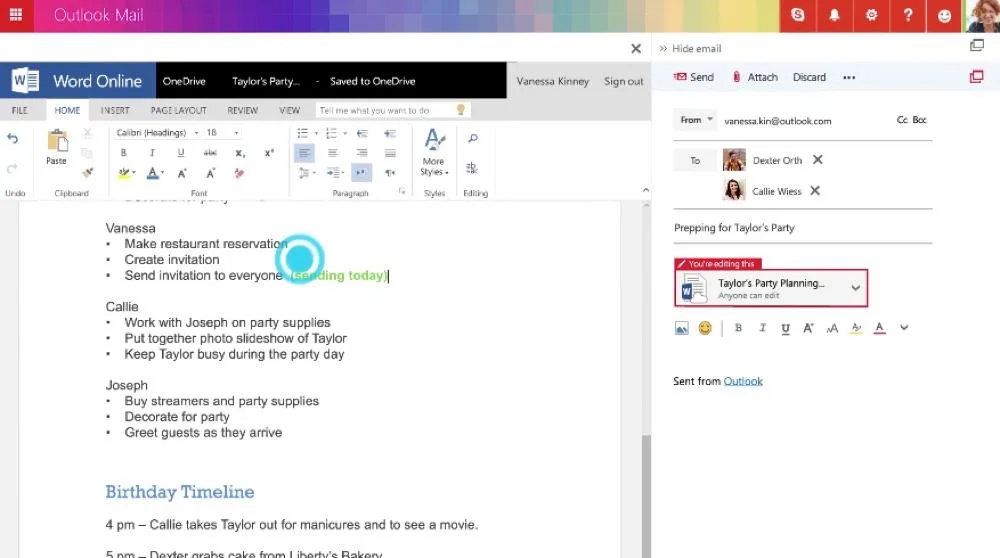
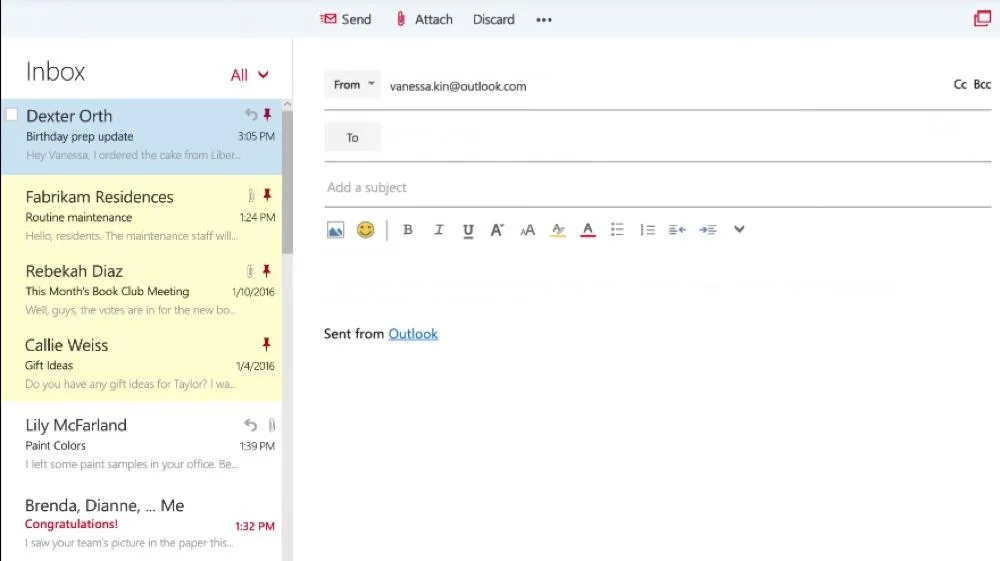
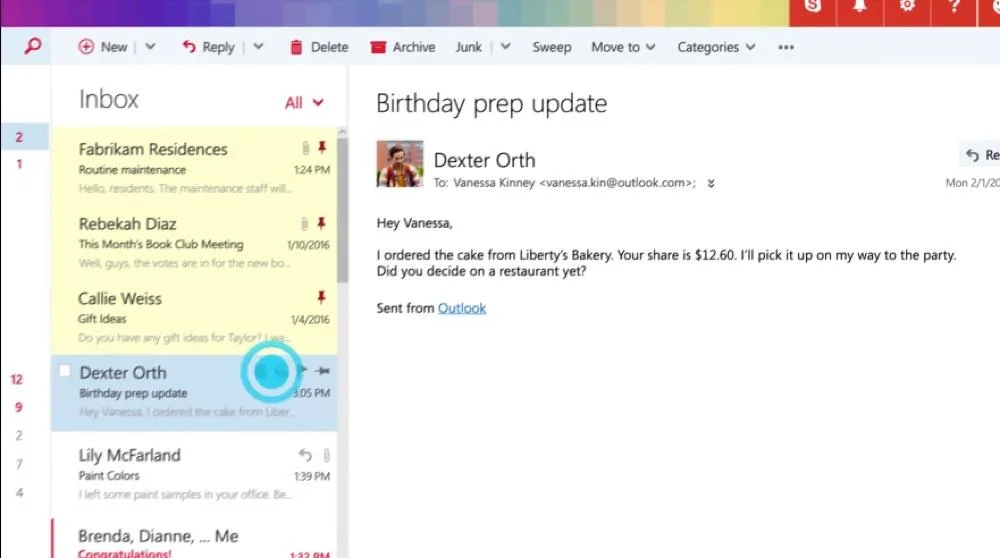
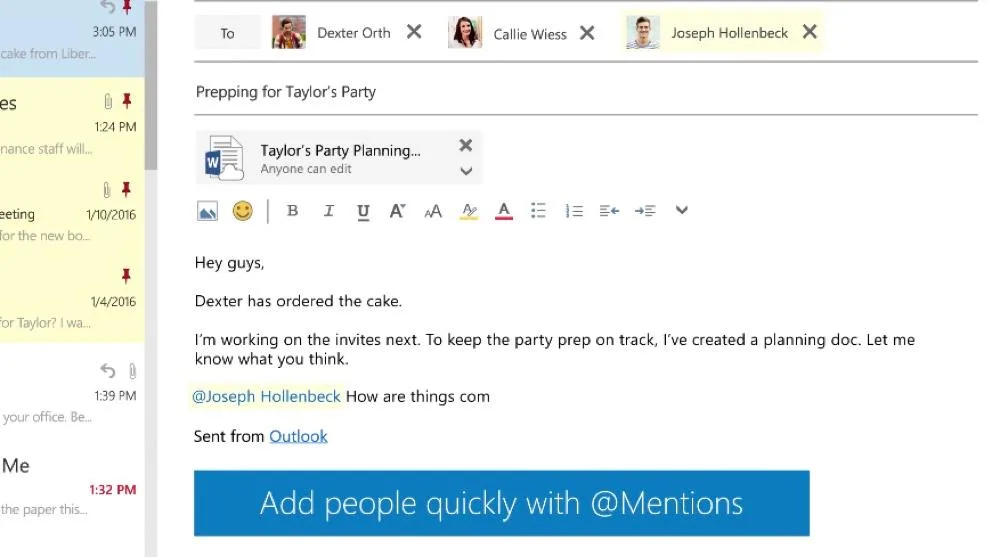
Screenshots
Outlook: its rates
Standard
Rate
On demand
Customer reviews about Outlook
Appvizer calculates this overall rating to make your search for the best software easier. We've based it on user-generated verified reviews on industry-leading websites.