

My Hours : Efficient Time Management for Project Success
4.8
Based on +4633 reviews
My Hours: in summary
My Hours is designed for small to medium businesses seeking optimal project and time management. Targeting managers and teams, it offers intuitive time tracking, comprehensive project reporting, and seamless team collaboration, setting it apart from conventional solutions.
What are the main features of My Hours?
Comprehensive Time Tracking
Streamline your workflow with precise time tracking tools.
- Start/Stop Timer: Easily manage time entries with start and stop capability.
- Manual Entry: Add time entries manually for missed work hours.
- Billable Hours: Distinguish between billable and non-billable hours for efficient invoicing.
Detailed Project Reporting
Gain actionable insights into project progress and team performance.
- Custom Reports: Generate tailored reports to meet your specific project needs.
- Data Export: Export data into CSV or PDF for more extensive analysis.
- Visual Insights: Use graphs and charts to quickly understand data trends.
Seamless Team Collaboration
Enhance teamwork with tools that facilitate communication and coordination.
- Task Management: Assign and track tasks to ensure timely project completion.
- Shared Timelines: Maintain visibility with shared timelines for team members.
- Comments & Notes: Collaborate by leaving comments and notes on tasks and projects.
Screenshots
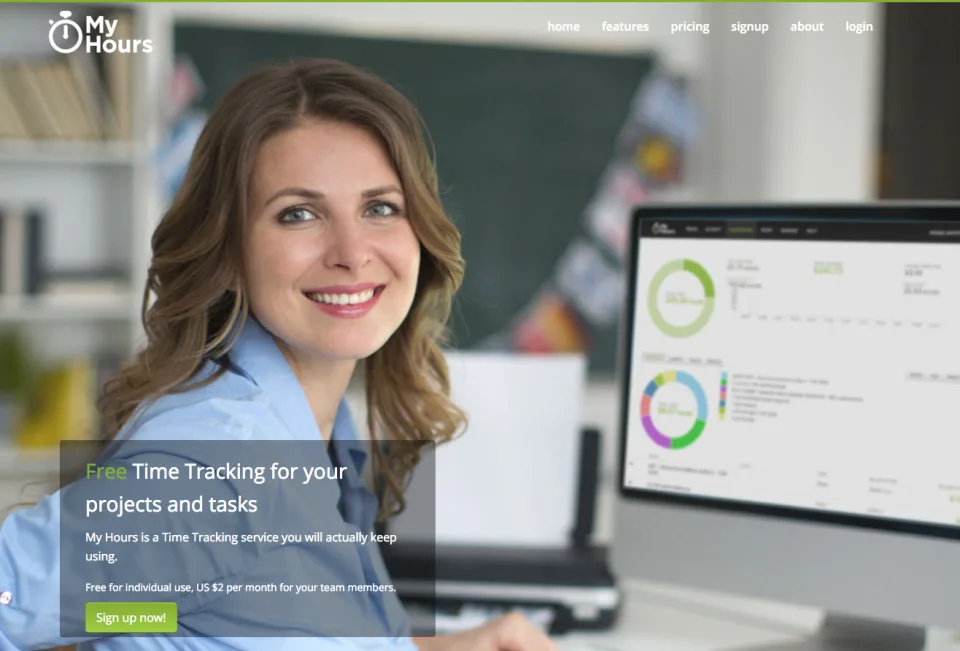
My Hours: its rates
standard
Rate
On demand
Customer reviews about My Hours
4.8
Based on +4633 reviews
Appvizer calculates this overall rating to make your search for the best software easier. We've based it on user-generated verified reviews on industry-leading websites.