

Flexio : Streamline Workflow with Automation for Teams

Flexio: in summary
Flexio is a powerful automation tool designed to optimise workflows for businesses of all sizes. Targeted towards teams looking to enhance productivity, Flexio offers seamless integrations, robust analytics, and customised workflow automation that make it stand out from the crowd.
What are the main features of Flexio?
Seamless Integrations
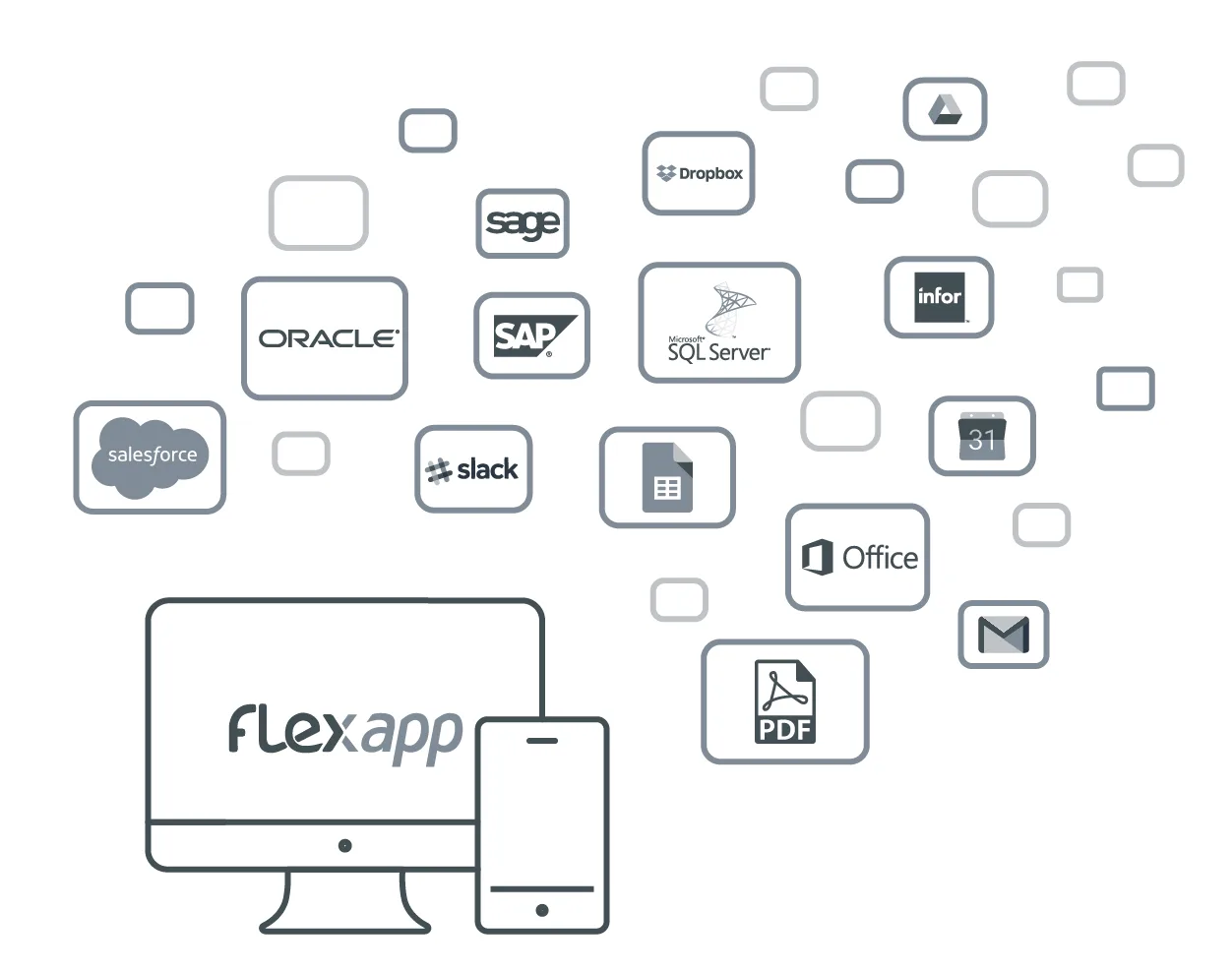
Flexio connects with a variety of applications and services effortlessly, enabling your team to work without disruption. This feature ensures that your existing tools are in harmony with Flexio, enhancing overall productivity.
- Integration with popular project management tools such as Trello and Asana
- Compatibility with billing systems like QuickBooks and Xero
- Synchronisation with cloud storage services including Google Drive and Dropbox
Customised Workflow Automation
Flexio excels in providing adaptable automation solutions tailored to your team’s unique needs. Streamline processes by automating repetitive tasks, giving your team more time to focus on what matters.
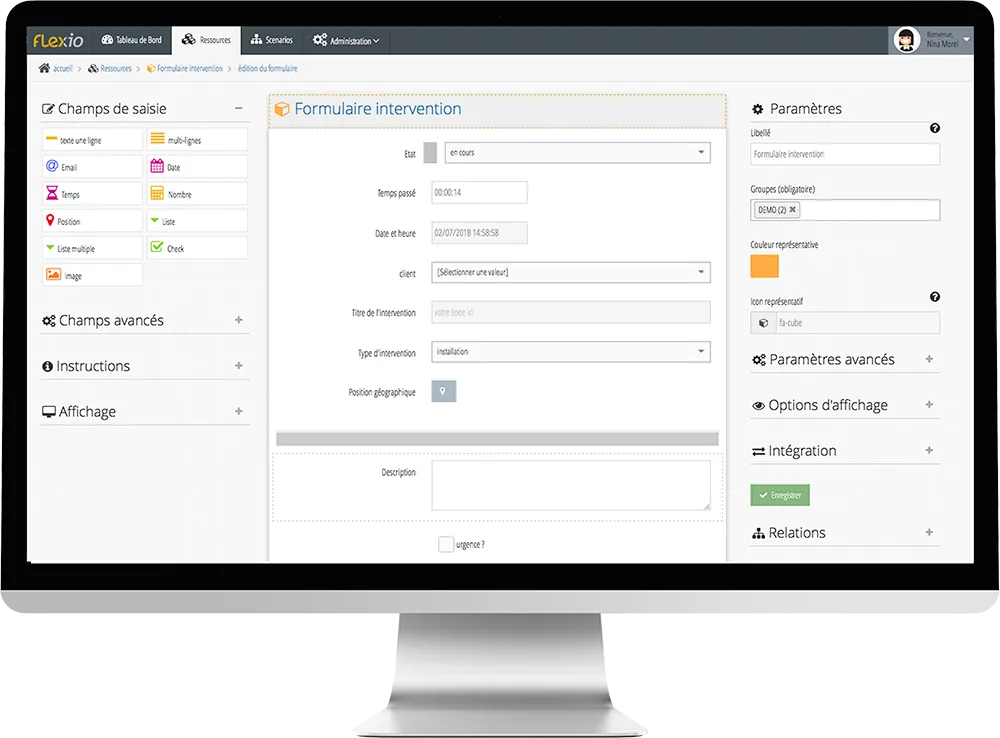
- Drag-and-drop workflow builder for easy setup
- Time-triggered actions to optimise task scheduling
- Conditional logic to handle complex workflows efficiently
Robust Analytics and Reporting
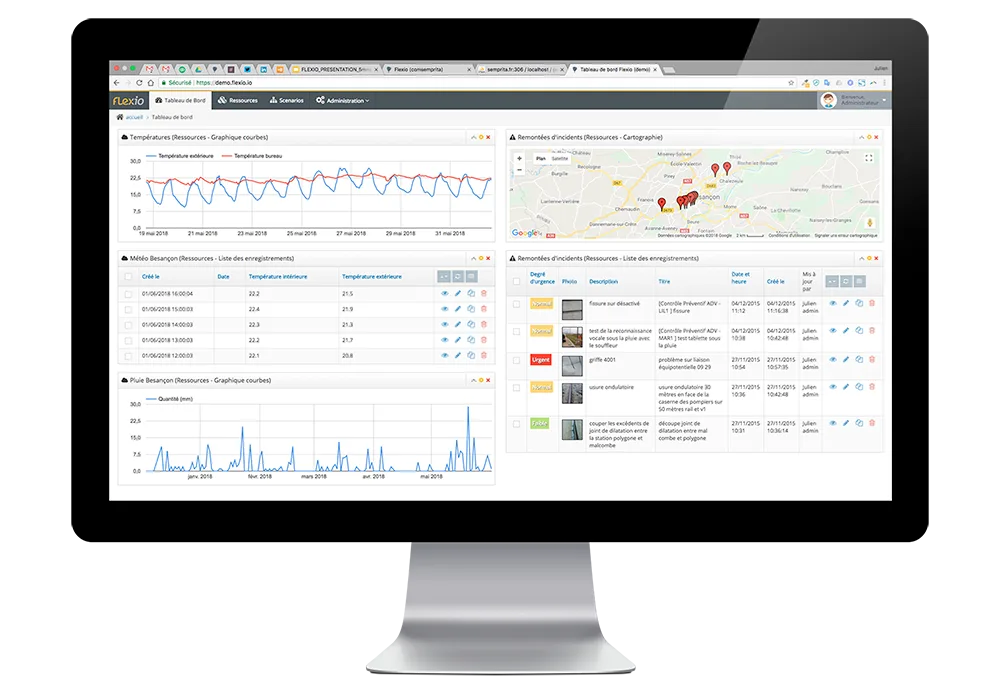
Gain deep insights into your team’s performance and workflow efficiency with Flexio’s comprehensive analytics. Tailor reports to suit your specific requirements, driving data-informed decision-making.
- Customisable dashboards displaying key metrics
- Automated report generation for timely updates
- Data export options for further analysis
Delve into a new level of operational efficiency with Flexio, transforming the way your team works while staying on top of the tasks that drive business success.
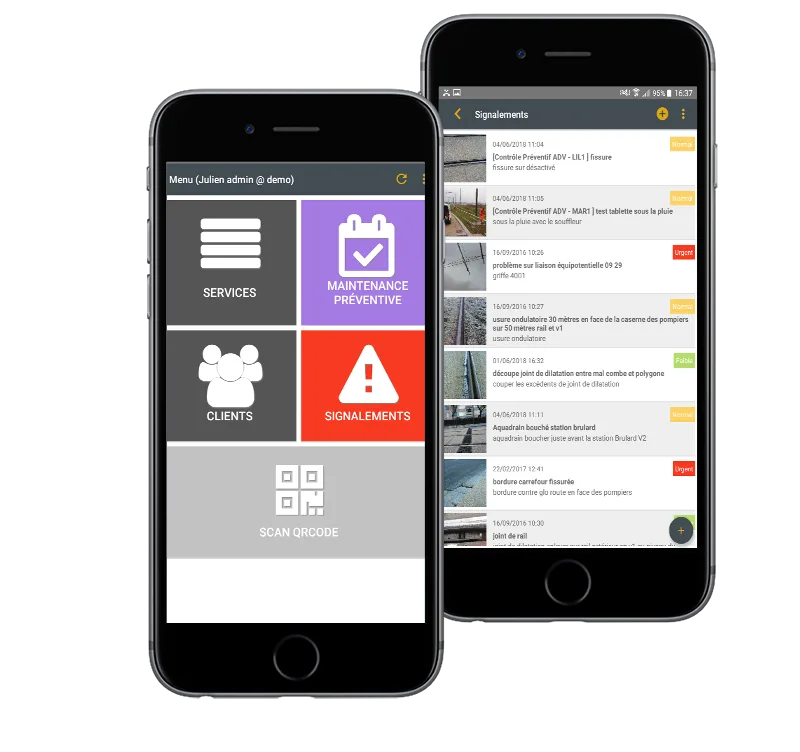
Screenshots
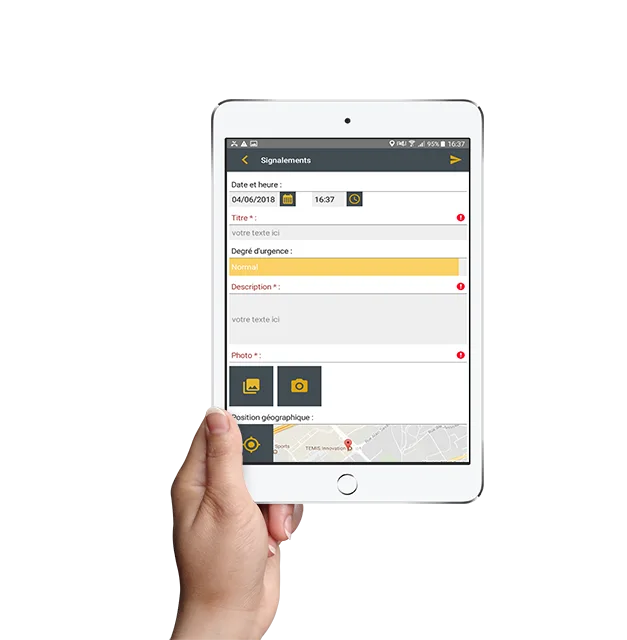
Flexio: its rates
Standard
Rate
On demand
Customer reviews about Flexio
Appvizer calculates this overall rating to make your search for the best software easier. We've based it on user-generated verified reviews on industry-leading websites.