

IDrive : Efficient Cloud Backup Solution for Businesses
IDrive: in summary
IDrive is a versatile cloud backup solution designed for both individuals and businesses. Its core purpose is to offer reliable data protection, ensuring that your files are always secure and accessible. Key features that distinguish IDrive from its competitors include its ability to perform multiple device backups, offer versioning capabilities, and facilitate seamless file-sharing.
What are the main features of IDrive?
Multiple Device Backup
One of the standout features of IDrive is its ability to back up data from an unlimited number of devices under a single account. This makes it an ideal choice for businesses and families alike, providing comprehensive coverage without requiring multiple subscriptions.
- Unified account management: Simplifies the backup process by allowing all devices to be managed from a single account.
- Cross-platform support: Compatible with Windows, Mac, iOS, and Android devices.
- Automatic backups: Schedule backups at your convenience, ensuring continuous data protection without manual intervention.
File Versioning
IDrive offers extensive file versioning capabilities, keeping up to 30 previous versions of all files you back up. This feature is essential for users who need to recover older versions of documents, offering peace of mind and flexibility in data management.
- Restore specific versions: Allows users to revert to older versions of documents or files easily.
- Conflict-free management: Ensures that multiple users can work on files without losing past edits or changes.
- Efficient storage utilisation: Versions do not count towards your used storage limit, providing more room for other data.
Seamless File Sharing
IDrive facilitates easy file sharing, enabling users to share files and folders directly from their backup storage. This feature enhances collaboration, making it simpler to work with colleagues, friends, or family without compromising on data security.
- Direct sharing links: Generate secure links to share files with others instantly.
- Collaborative editing: Allow team members to access and edit documents as needed, fostering teamwork and productivity.
- Control over access levels: Set permissions to dictate who can view or modify shared files, enhancing privacy and control.
Screenshots
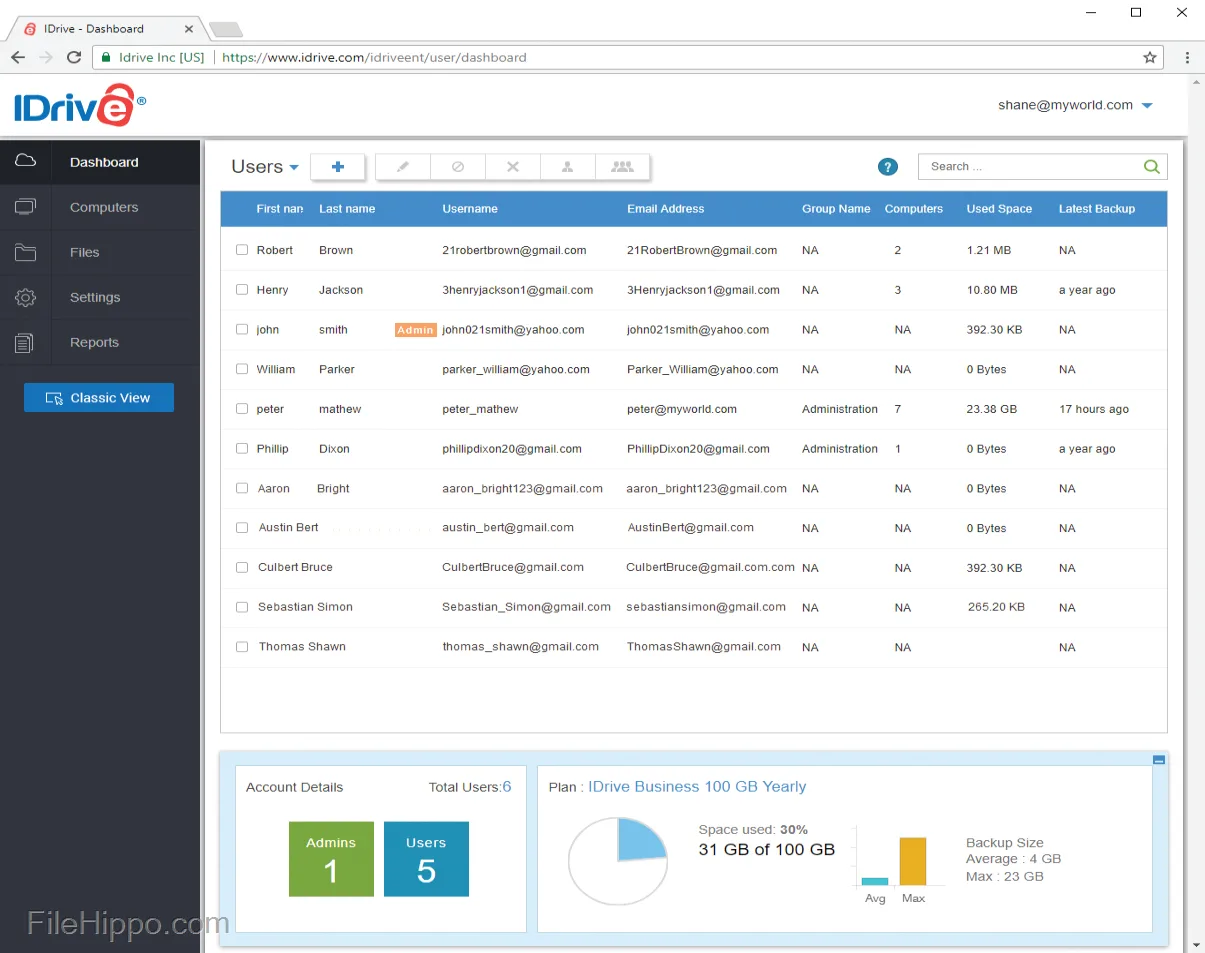
IDrive: its rates
Standard
Rate
On demand
Customer reviews about IDrive
Appvizer calculates this overall rating to make your search for the best software easier. We've based it on user-generated verified reviews on industry-leading websites.