
Sygma Connect : Revolutionise Remote Assistance with Sygma Connect
Sygma Connect: in summary
Sygma Connect is designed for businesses seeking robust remote assistance capabilities. Ideal for IT support teams and tech-savvy organisations, Sygma Connect excels with its seamless remote control, multi-platform compatibility, and efficient session management.
What are the main features of Sygma Connect?
Seamless Remote Control
Sygma Connect allows support teams to take control of remote devices easily, making troubleshooting and issue resolution more efficient.
- Instant connection: Connect to any device within moments, requiring minimal setup.
- High-fidelity resolution: View and interact with remote screens in clear, high-definition quality.
- Responsive control: Experience smooth navigation and quick response times during session handling.
Multi-Platform Compatibility
Versatility is a key strength of Sygma Connect, as it supports a wide range of operating systems and devices.
- Supports major OS: Compatible with Windows, macOS, Linux, and more.
- Mobile access: Remotely control devices through Android and iOS apps.
- Cross-device support: Manage multiple devices seamlessly, regardless of the platform.
Efficient Session Management
Managing multiple remote sessions becomes straightforward with Sygma Connect.
- Session recording: Save entire remote sessions for later playback and review.
- Concurrent sessions: Operate multiple remote sessions simultaneously to improve assistance efforts.
- Custom session settings: Tailor your connection preferences and settings based on specific requirements.
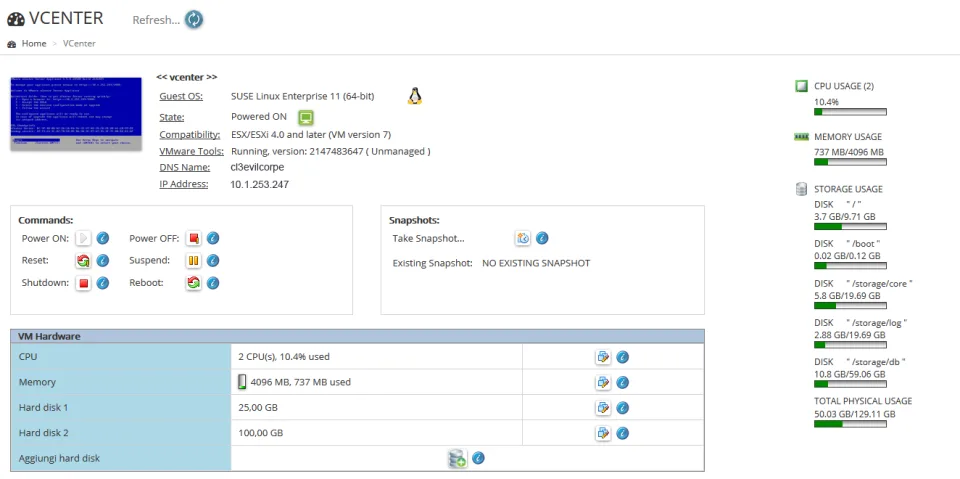
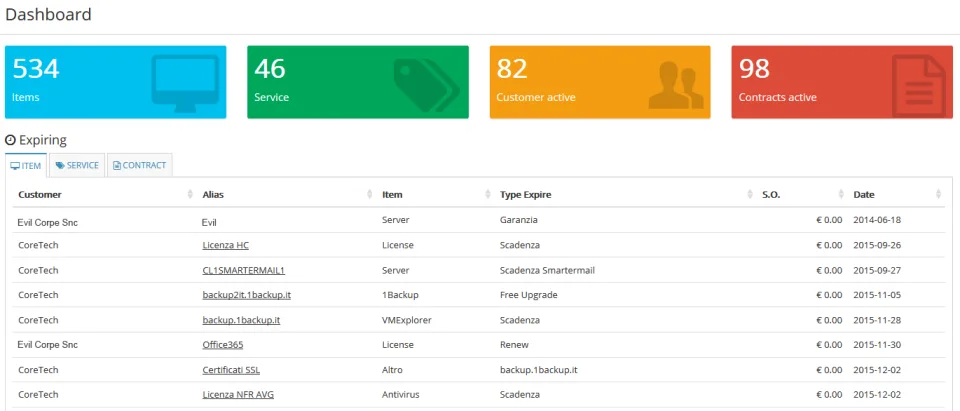
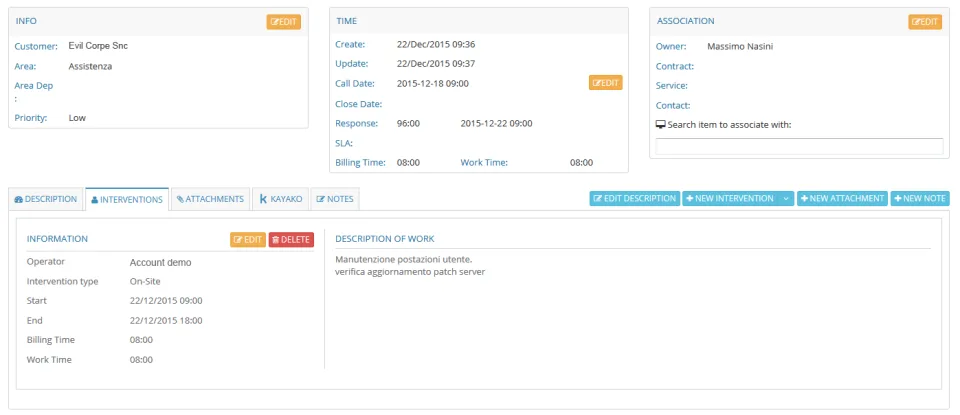
Screenshots
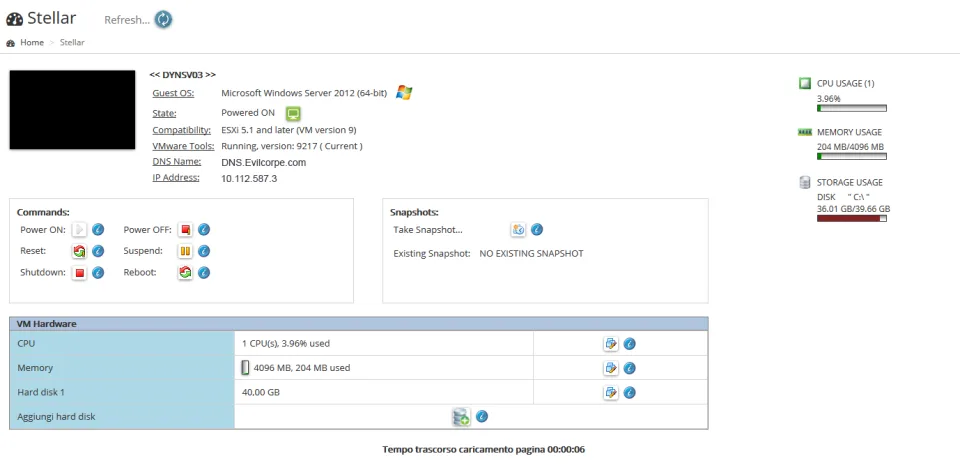
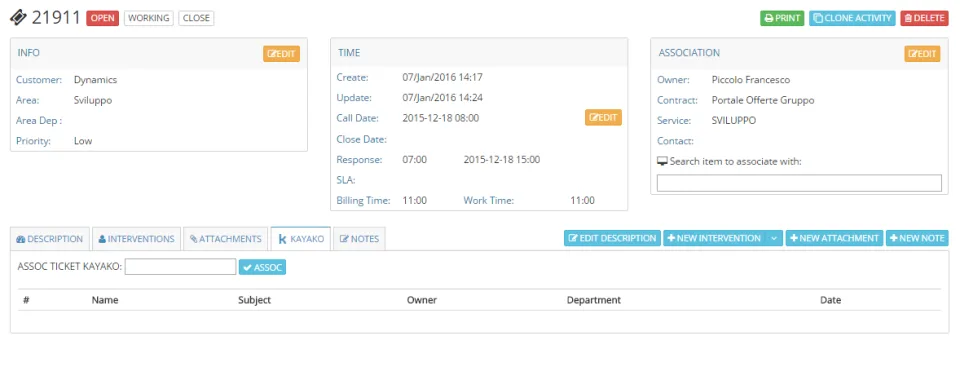
Sygma Connect: its rates
Basic
Free
PRO
€5.00
/month /user
Business
€15.80
/month /user
Enterprise
€41.70
/month /user
Smartworking
€5.00
/month /user
Customer reviews about Sygma Connect
Appvizer calculates this overall rating to make your search for the best software easier. We've based it on user-generated verified reviews on industry-leading websites.