

Affinity Photo : Professional Photo Editing Software for Designers

Affinity Photo: in summary
Affinity Photo is a powerful photo editing tool designed for professional photographers, designers, and artists. Seamlessly edit images with a suite of advanced tools, extensive file format support, and unrivalled speed. Experience real-time editing with full creative control.
What are the main features of Affinity Photo?
Advanced Editing Tools
Affinity Photo provides a comprehensive range of tools for professional-grade editing, allowing users to perfect their images with precision.
- Layers and Masking: Work with complex compositions using layers and intricate masks.
- Retouching Tools: Erase imperfections with healing brushes and clone stamps.
- Liquify Features: Push and pull parts of the image for creative effect.
Seamless Workflow
Optimise your editing process with Affinity Photo’s streamlined workflows, customisable to your needs, ensuring smooth operation for any project.
- Non-destructive Adjustments: Apply adjustments without altering the original image.
- Batch Processing: Save time by applying edits across multiple files simultaneously.
- Real-time Editing: Immediate preview of changes as you work for efficient creativity.
Wide Format Support
Handle a variety of file formats effortlessly, making Affinity Photo compatible with projects from various sources.
- RAW Editing: Directly import and edit RAW images for maximum quality.
- PSD Support: Compatible with Photoshop files, retaining layers and effects for seamless transitions.
- HDR Merge: Combine multiple exposure photos for stunning HDR effects.
Affinity Photo offers an exceptional array of feature-rich tools for those seeking a professional-grade editing experience.
Screenshots
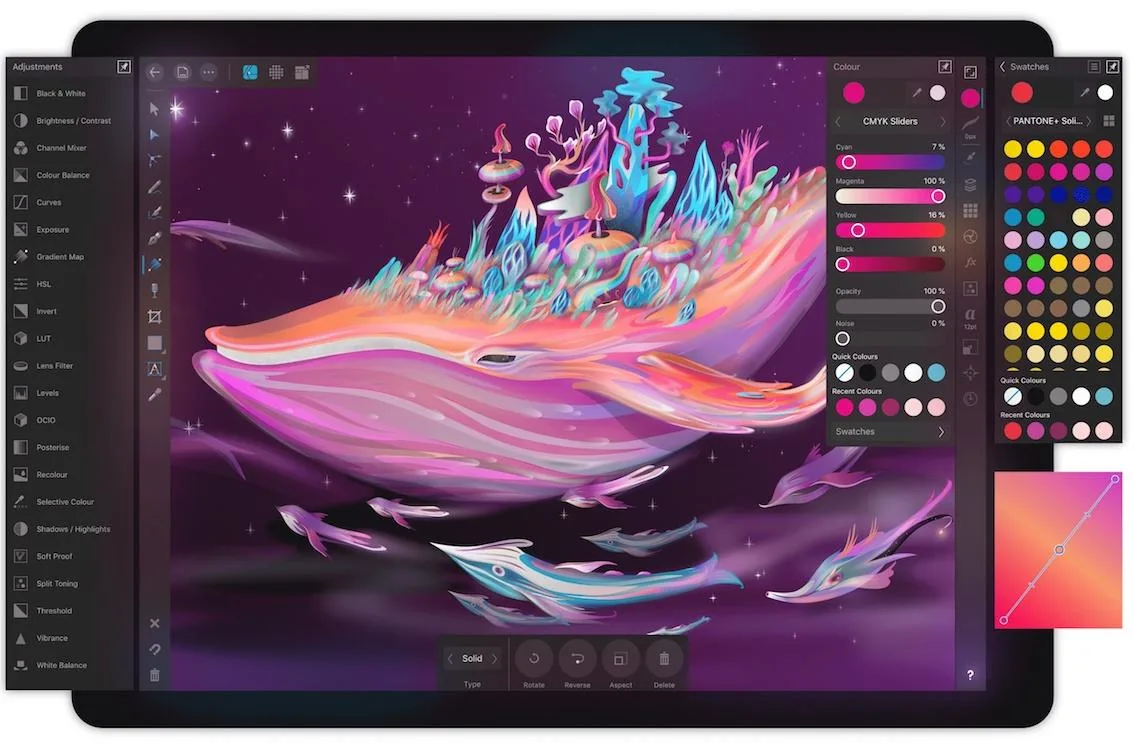
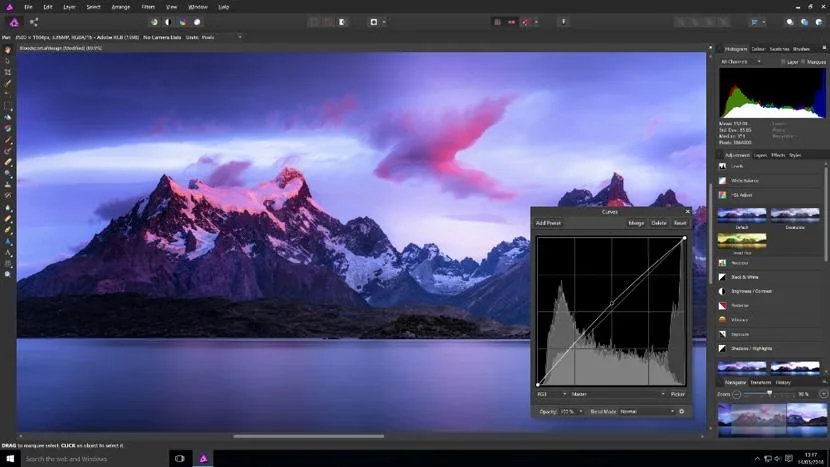
Affinity Photo: its rates
Standard
Rate
On demand
Customer reviews about Affinity Photo
Appvizer calculates this overall rating to make your search for the best software easier. We've based it on user-generated verified reviews on industry-leading websites.