

Pixlr : Creative Image Editing for All Levels

Pixlr: in summary
Pixlr offers intuitive photo editing tools designed for both amateur and professional photographers. Its AI-powered features enable quick enhancements, while the user-friendly interface ensures accessibility. Standout tools include advanced layer options, efficient cropping, and a diverse filter gallery.
What are the main features of Pixlr?
Advanced Editing Tools
Pixlr provides an extensive range of editing capabilities that elevate your images effortlessly. These tools cater to both quick fixes and in-depth adjustments.
- Layer Support: Work with multiple layers seamlessly to create complex compositions.
- Retouching Tools: Clean up images with precision using tools like spot healing and cloning.
- Adjustable Filters: Apply a comprehensive range of filters to achieve the desired mood or style.
AI-Powered Enhancements
Leverage Pixlr’s cutting-edge AI features to enhance your photos automatically, saving time and effort.
- One-Click Fix: Instantly improve image quality with AI-generated suggestions.
- Background Removal: Easily isolate subjects thanks to AI-driven background removal tools.
- Portrait Editing: Enhance facial features naturally using AI capabilities.
User-Friendly Interface
The interface of Pixlr is designed to be intuitive, making it suitable for editors of all skill levels.
- Drag-and-Drop Functionality: Simplify your workflow with efficient drag-and-drop features.
- Customisable Workspace: Tailor the workspace to your preferences for a personalised editing experience.
- Cloud-Based Access: Edit your images from anywhere, across multiple devices, without software installation.
Screenshots
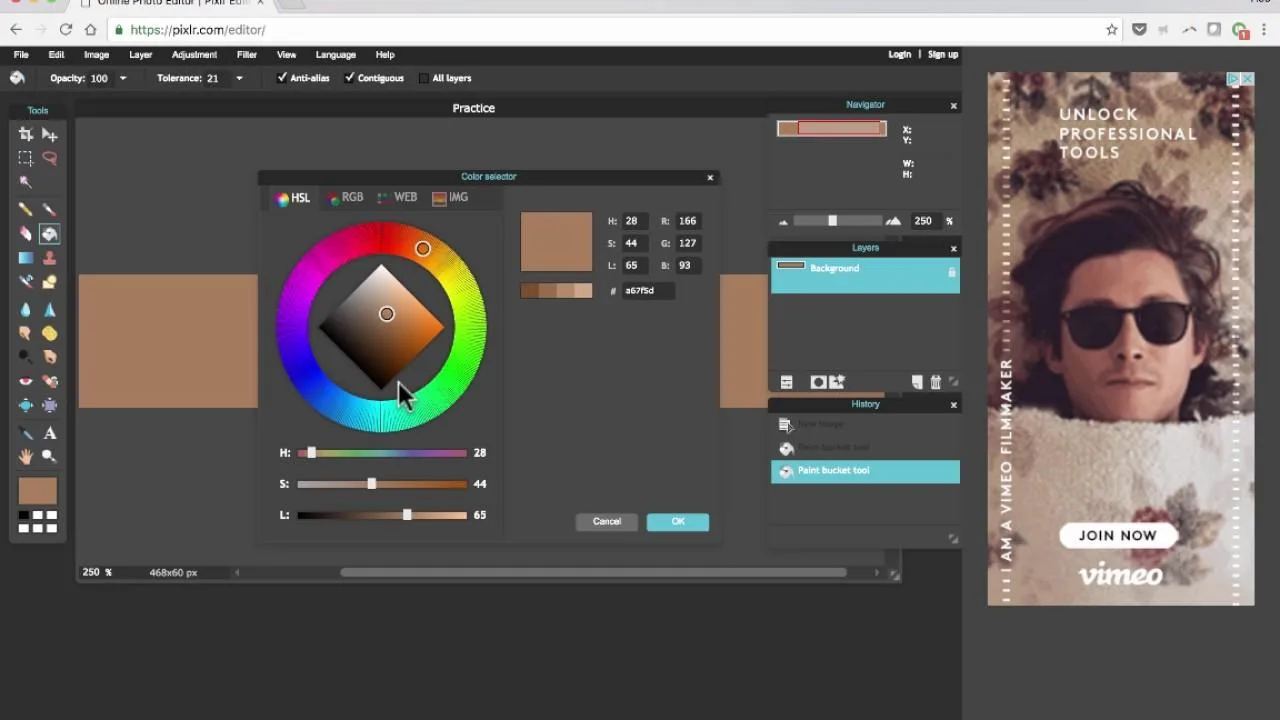
Pixlr: its rates
Standard
Rate
On demand
Customer reviews about Pixlr
Appvizer calculates this overall rating to make your search for the best software easier. We've based it on user-generated verified reviews on industry-leading websites.